

If you are getting a No USB device error when inserting a working USB flash drive into your system there may be an issue with the internal USB connection. This issue can easily be resolved by remaking the connection from the motherboard of your device. The error is more common on Dahua recorders and their OEM line. The how-to fix procedure is explained below.
Which recorders are affected by the “No USB Device” error
Any DVR/NVR brand can be affected by this error. However, it more common on this brands: Dahua, Activecam, Advidia, Amcrest, Ameta, Ascendent, Backstreet Surveillance, BV Security, CCTV Security Pros, CCTV Star, CP Plus (Orange Line), Dax Networks, eLine, ENS (formerly Eastern CCTV and SavvyTech), Expose, Lorex, GSS, Honeywell, IC Realtime, Ikegami, Impath Networks, Inaxsys, IndigoVision, Infinity CCTV, Innekt, Intelbras, KBVision, Lumixen, Maxron, Montavue, Oco, Optiview, Rhodium, RVI, Saxco, Security Camera King (Elite), Space Technology, Speco, ToughDog, Tyco Holis, Tyco Illustra Essentials, Unisight, VIP Vision, Watchnet, Winic, Zuum.
No USB Device error
Step 1. Turn off the DVR or the NVR, then remove the top cover of the recorder.
Step 2. Locate the USB connection coming from the front of the unit to the motherboard.
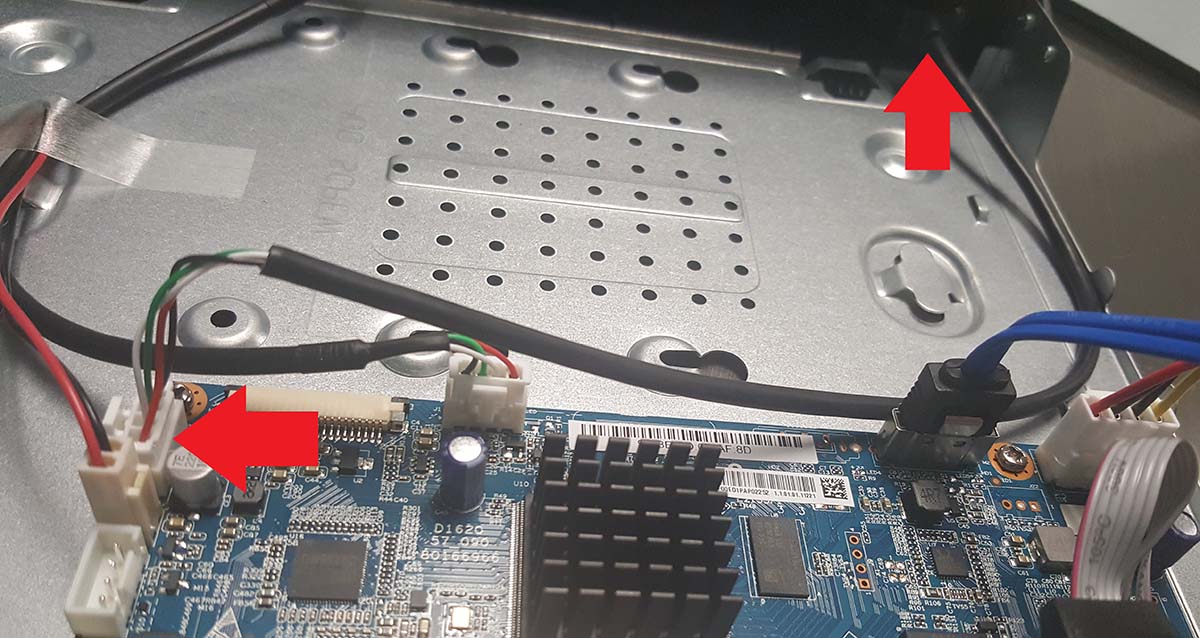 Step 3. Press the latch on the side of the USB connection to release the connector from the port.
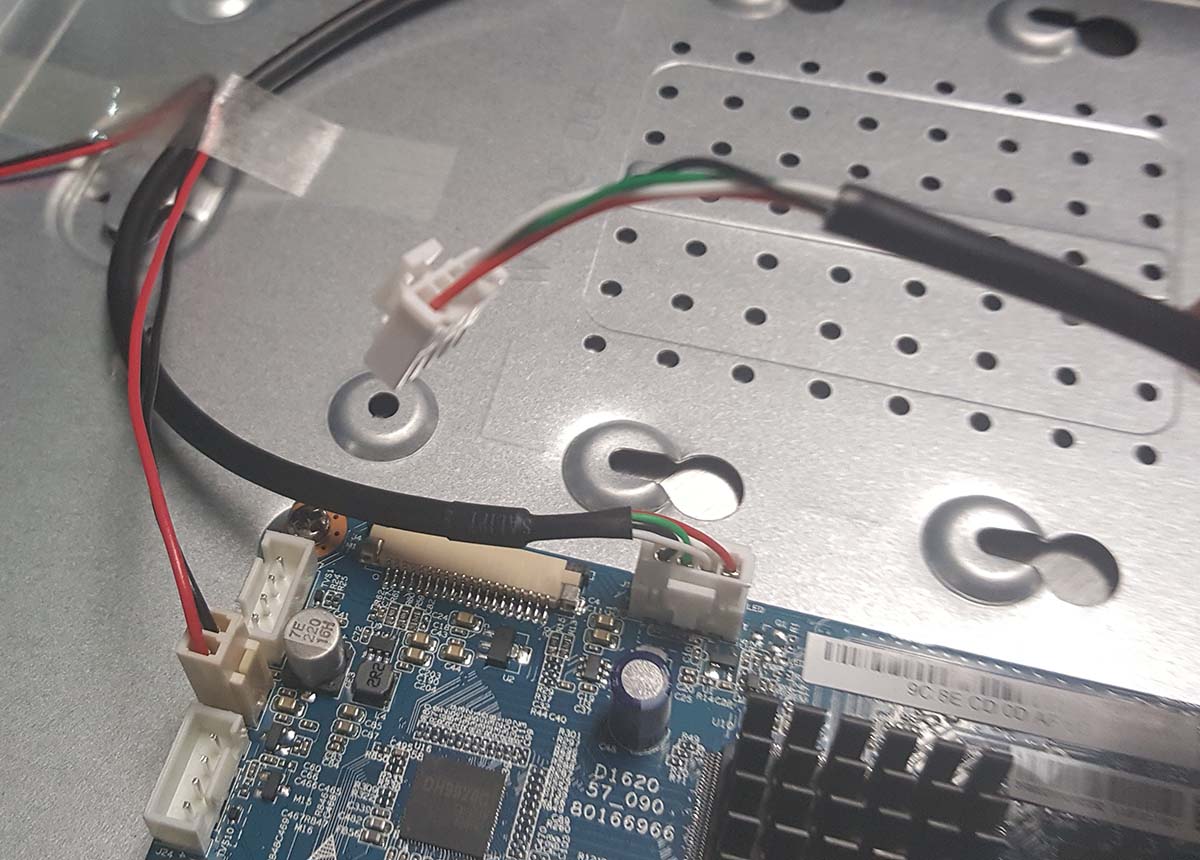 Step 4. Insert the connector back into the port and secure it to the motherboard.
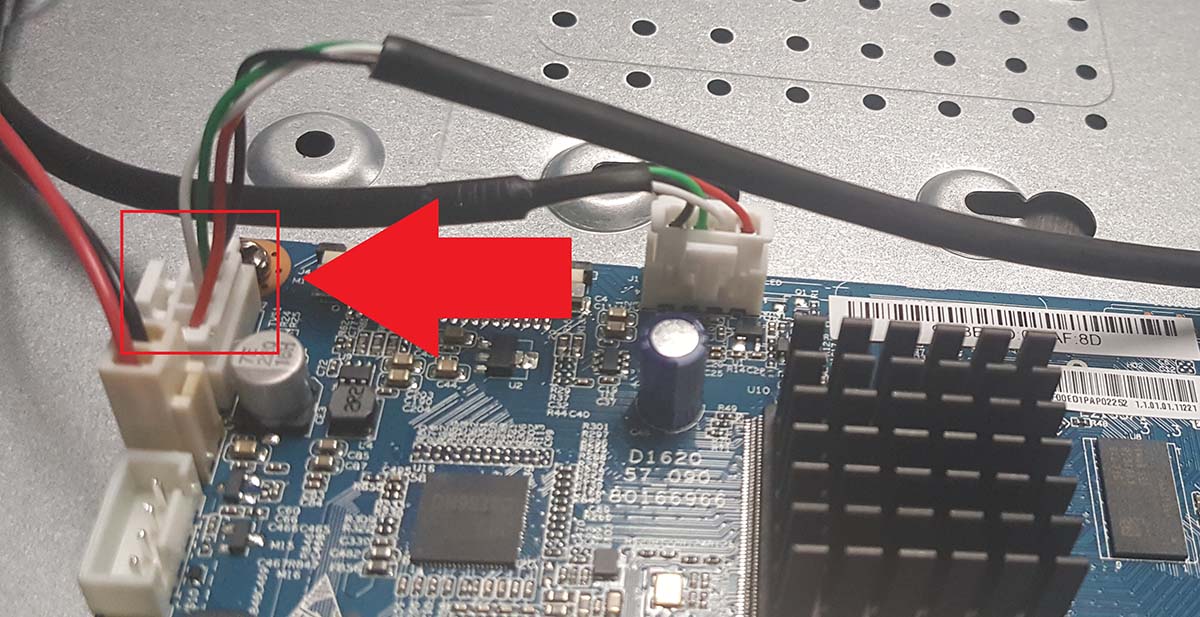 Step 5. Replace the top cover of the device and turn it on. Allow the DVR/NVR to boot and insert your flash drive into the USB port. The device will now automatically detect your flash drive.


